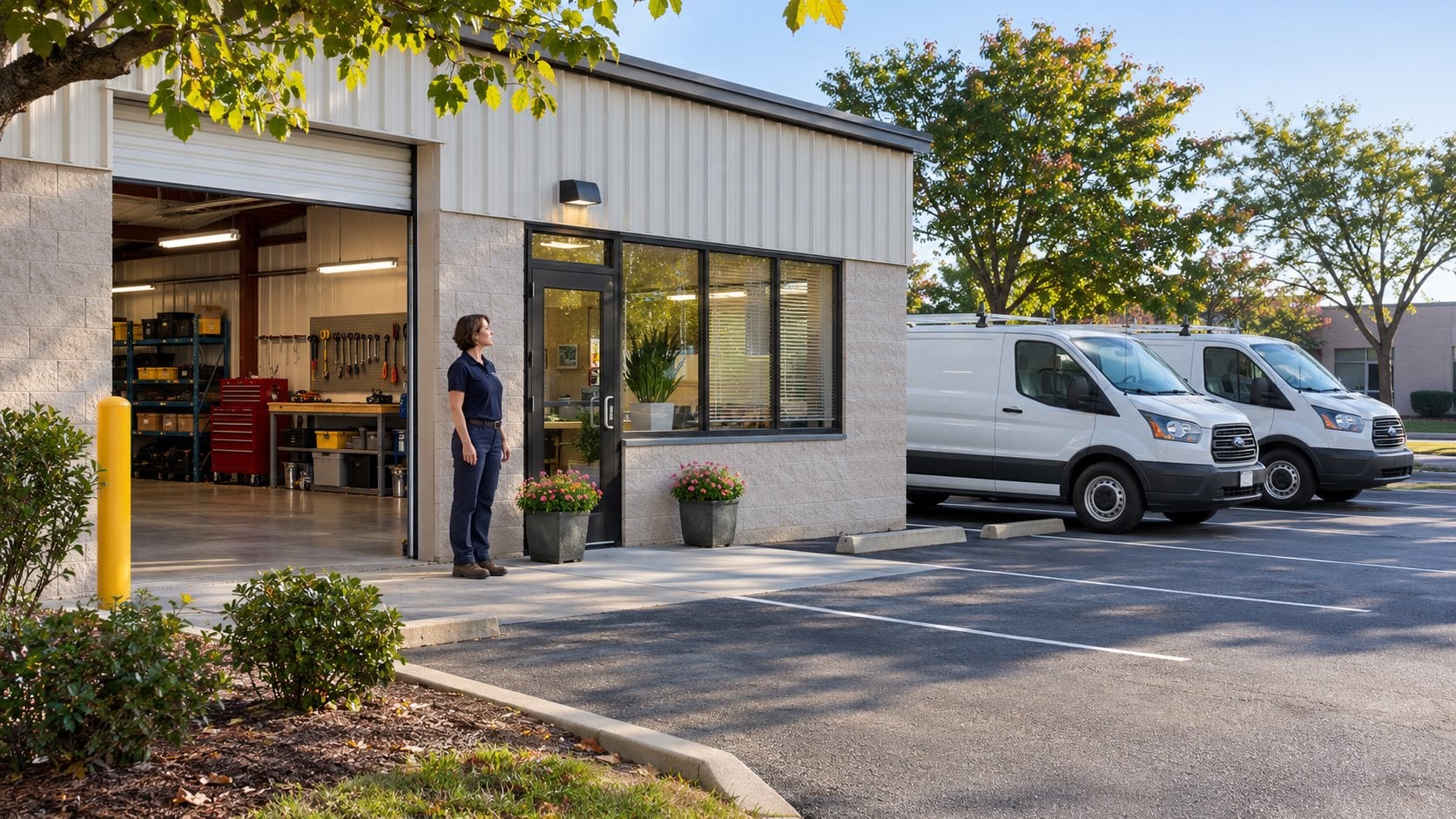
A useful Google Business Profile tells homeowners who you are, what work you do, where you actually serve customers, and how to contact you. For plumbers, electricians, roofers, and HVAC companies, accurate information is the foundation. Adding more cities or keywords is not a substitute for representing a real business clearly.
Use this review alongside your website and call-handling process. A listing that attracts an inquiry still needs a working phone number, a useful destination page, and a clear next step for the customer.
1. Represent the real business
Use the business name customers know from your real-world branding. Keep marketing phrases and extra city names out of the name unless they are genuinely part of that name. Use the separate profile fields for services, categories, hours, and territory. Google explains these requirements in its business-representation guidelines.
Before creating a new listing, check whether your business already has a profile. Confirm who controls it and which account your company will retain. Keep a simple internal record of access and ownership so a staff change does not leave the profile unmanaged.
2. Choose a category that describes the business
Select the most specific available primary category that describes your main business. Additional categories should represent genuine parts of the business, rather than every service phrase you want to rank for. Google does not let businesses invent custom categories; review the available options in the profile. See Google’s category guidance.
For your own review, write down the work you most want qualified inquiries for and compare it with the category and services customers see. A roofing company should not describe itself as a different kind of contractor simply because a search phrase looks attractive.
3. Match the address setup to how customers visit you
A business that travels to customers and does not serve them at its address should use the appropriate service-area setup and hide that address from customers. A hybrid business serves customers at an eligible location as well as visiting them. Do not create a storefront impression for an address where customers cannot actually receive service.
Google’s service-area instructions allow areas such as cities or postal codes, with up to 20 areas. Use places your team genuinely covers. Do not assume that selecting an area creates a local office or guarantees visibility there.
For example, a Colorado contractor might serve several nearby communities while applying different scheduling rules to more distant jobs. The profile, website, and person answering calls should agree on what is actually available.
4. Check the details a caller relies on
- Call the listed phone number and test the route during and outside office hours.
- Open the website link on a phone and confirm it reaches a useful page.
- Check ordinary hours and upcoming holiday exceptions.
- Review the service list for work you actually offer.
- Make sure customer-facing contact information is consistent across your website and key listings.
If an AI receptionist answers around the clock, describe the difference between phone coverage and field-service hours. Do not present 24/7 technician availability solely because calls can be answered at night.
5. Use photos and reviews to explain the business
Show genuine work, vehicles, staff, or premises when you have appropriate permission and useful photographs available. Avoid presenting illustrative stock or generated images as proof of a completed customer job. Your website can use illustration, but evidence of your actual business should be recognizable as such.
Make asking for honest customer feedback part of job closeout. Do not buy reviews, offer rewards for them, or filter requests to only customers expected to be positive. Our review-request workflow for trades explains a practical approach and links to Google’s rules.
6. Measure useful inquiries, not just a map position
Google describes local results in terms of relevance, distance, and prominence, and says there is no option to pay for a better organic local ranking. Its local-ranking guidance is a useful reference when someone promises a fixed position across an entire region.
Track whether profile inquiries become suitable calls, estimates, or visits. Record wrong-area requests and services you do not offer; they can reveal a mismatch in the information customers see. Keep the profile review connected to your office team’s experience rather than treating rankings as the only outcome.
A practical next step
Review one profile with your office team, test its phone and website links, and list the details that need correcting. Use our contractor local SEO checklist for the wider website review. Carbon provides local search assistance for trades nationwide, with a Colorado focus. Book a free strategy call to discuss your service area and the inquiries you want to handle.